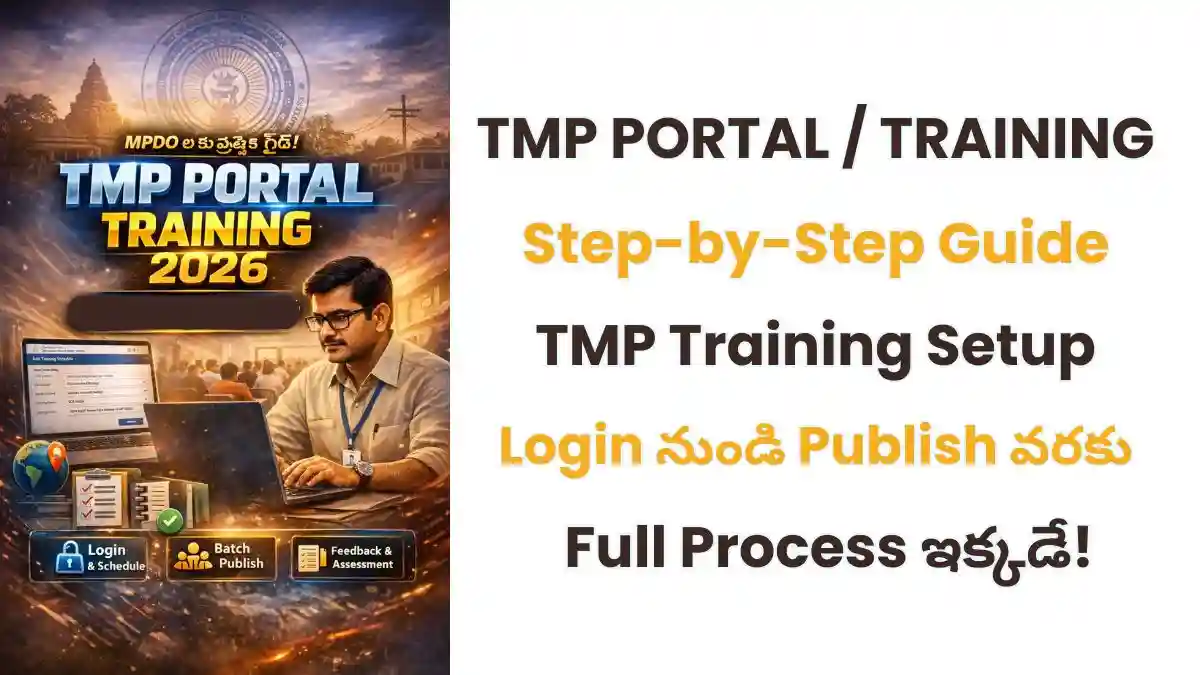
TMP Portal Training Schedule Creation పూర్తి విధానం తెలుసుకోండి. MPDO Login నుంచి Training Publish వరకు స్టెప్ బై స్టెప్ గైడ్, Attendance, Feedback & Assessment వివరాలు ఒకే చోట.
TMP Portal Training 2026: ట్రైనింగ్ షెడ్యూల్ క్రియేషన్ పూర్తి గైడ్
ఆంధ్రప్రదేశ్ పంచాయతీ రాజ్ & గ్రామీణాభివృద్ధి శాఖలో పనిచేసే అధికారులకు TMP Portal (Training Management Portal) అత్యంత కీలకమైన డిజిటల్ ప్లాట్ఫామ్. ముఖ్యంగా MPDOలు GPDP & BPDP Mandal Level Training నిర్వహించే ముందు TMP Portal Training Schedule క్రియేట్ చేయడం తప్పనిసరి.
ముఖ్య గమనిక (Important Note)
👉 TMP Portal లో ట్రైనింగ్ డేటా ఎంట్రీ చేయాలంటే
ముందురోజే Schedule Create చేసి Publish చేయాలి.
Step 1: TMP Portal Login ఎలా చేయాలి?
మొదట మీరు అధికారిక వెబ్సైట్ ఓపెన్ చేయాలి:
👉 https://trainingonline.gov.in
Login వివరాలు:
User ID: MPDO (ఉదా: MPDO_RANASTALAM)
Password: మీకు ఇచ్చిన అధికారిక పాస్వర్డ్
లాగిన్ అయిన తర్వాత:
➡️ Menu Bar → Schedule
➡️ Click → Add Training
Step 2: Training Program Details ఎలా ఇవ్వాలి?
క్రింది వివరాలు జాగ్రత్తగా నమోదు చేయాలి:
📝 Required Fields:
Training Program Name: Panchayat Development Plan (GPDP)
Sub Category: Shift పట్టించు GPDP BPDP
Type of Program: Training (Face to Face Mode)
Training Subject: GPDP BPDP
Training Name: GPDP BPDP Mandal Level Training on 27-02-2026
⚙️ Additional Settings:
No. of Batches → 1
Language → Telugu
Boarding → Only Fooding
Facilities → ✔ Projector, ✔ Internet
👉 చివరగా: Add Batches Details పై క్లిక్ చేయండి
Step 3: Batch Creation & Publish
Batch Details:
Batch Name: MPP Meeting Hall Room 1
Time: 9:00 AM – 5:00 PM
Target Audience: Others
Total Seats: 100
👉 Save చేయండి
Publish చేయడం ఎలా?
Batch Select చేయండి
Freeze Button క్లిక్ చేయండి
🌐 Globe Symbol పై క్లిక్ చేయండి
✔ Schedule Published Successfully
Step 4: Course Coordinator Assign చేయడం
➡️ Option: Assign Training To Course Coordinator
ఎంపికలు:
Financial Year → 2025-2026
Training Name & Batch → Select
Available Coordinator → Select
👉 Save చేయండి
Step 5: Agenda & Resource Persons తయారు చేయడం
➡️ Option: Prepare Agenda
Methodology:
Face to Face
PPT
Videos
✔ Parallel Session Tick చేయండి
✔ Resource Person Tick చేయండి
👉 Venue Select చేసి Save చేయండి
🔔 ముఖ్య సూచన:
Resource Person మారితే →
Add External Resource Person Details ద్వారా Update చేయాలి
Step 6: Trainee Attendance & Photo Upload
➡️ Option: Add Trainee
Attendance:
Aadhaar Authentication → Yes
తర్వాతే → Approve Attendance
Photo Upload:
➡️ Upload Training Photos → Save
Step 7: Feedback & Assessment Setup
➡️ Option: Map Feedback Template
Select → MOPR Common Feedback Template
Save
Assessment:
➡️ Post Training Assessment → Create Template
Category → GPDP
Questions → 20 Random Questions
👉 Save చేయండి
Final Checklist (చివరి తనిఖీ)
✔ Schedule Create చేశారా?
✔ Publish చేశారా?
✔ Coordinator Assign చేశారా?
✔ Attendance పూర్తి చేశారా?
✔ Photos Upload చేశారా?
✔ Feedback & Assessment Complete చేశారా?
👉 అన్ని పూర్తయ్యాక ఒకసారి Cross Check చేయండి
TMP Portal Training Process సరిగ్గా ఫాలో అయితే మాత్రమే ట్రైనింగ్ డేటా సక్సెస్ఫుల్గా రికార్డ్ అవుతుంది. MPDOలు మరియు సంబంధిత అధికారులు ప్రతి స్టెప్ను జాగ్రత్తగా పాటించడం చాలా ముఖ్యం.
ఈ గైడ్ మీకు TMP Portal Training Schedule Creationలో పూర్తి క్లారిటీ ఇస్తుంది.
Also Read : ఏపీ హైకోర్టుకు తొలి మహిళా సీజే: Justice Lisa Gill నియామకానికి కొలీజియం గ్రీన్ సిగ్నల్!